

One credit system across image and video
The same shared balance covers 2K plush images and standard 5-second 720P plush videos, so you do not need separate buying logic.
Use JellyMate as your Jellycat AI generator to create AI jellycat visuals from prompts, pet photos, gift ideas, and mascot briefs in minutes.
from 99+ happy users
Example Preview
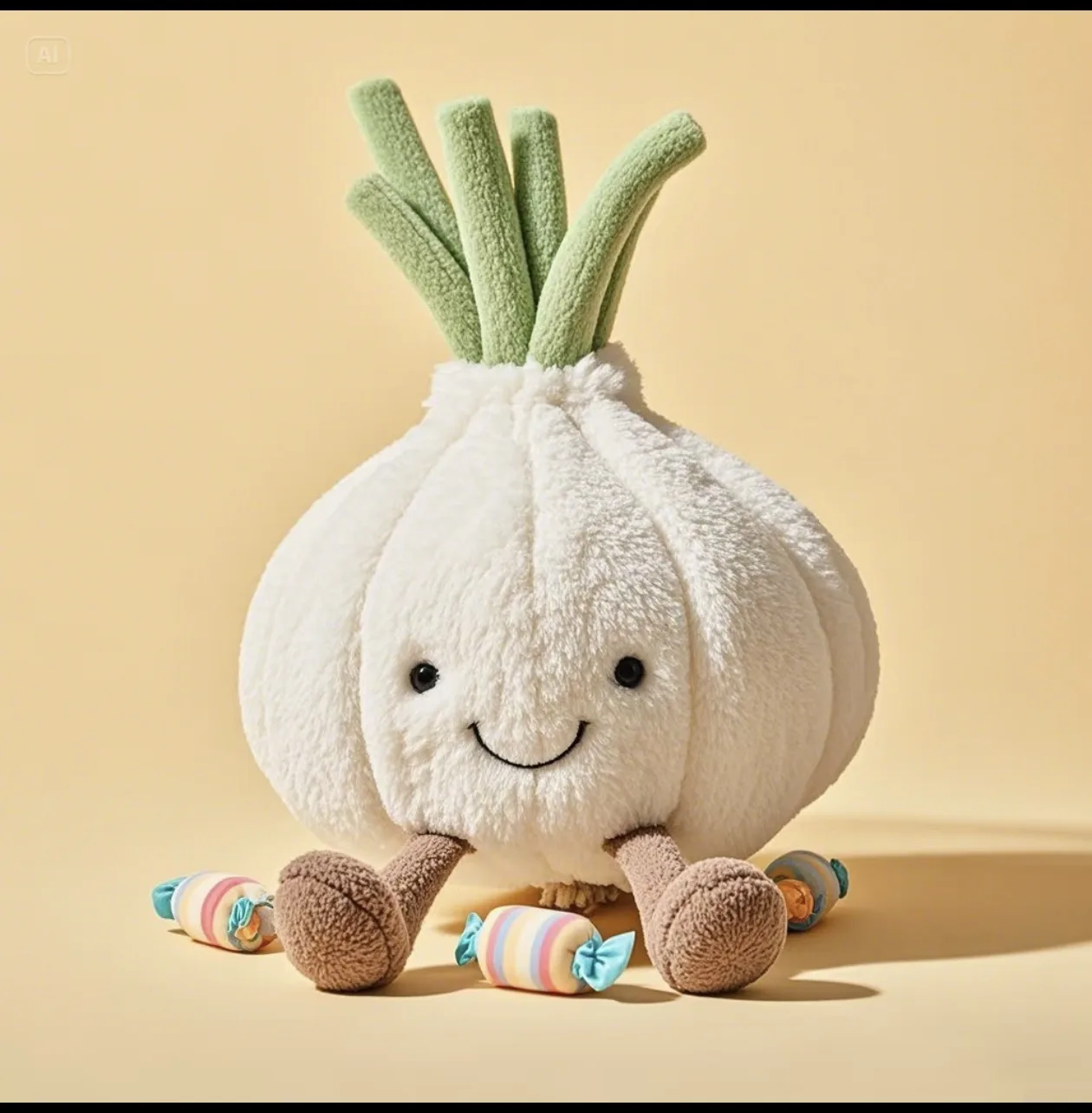
The preview starts with an example image and switches to your generated result.
Your latest image generations will appear here on this device.
JellyMate is an AI plush image and video generator that helps people turn pet photos, gift ideas, mascot briefs, and character concepts into soft, cute visuals that are ready for landing pages, social posts, and keepsake projects.
People use JellyMate to make pet-to-plush portraits, gift mockups, cozy mascot concepts for SaaS brands, and first-pass hero images before they move into short-form video. The strongest workflow is to approve one still image first, then extend the same character into motion.
For most users, JellyMate is not a generic image toy. It is a guided plush-style workflow for creating repeatable brand, gift, pet, and memory-led assets that feel warm enough for sharing and clear enough for production use.
The same shared balance covers 2K plush images and standard 5-second 720P plush videos, so you do not need separate buying logic.
The current plans are positioned for creators and teams who need assets they can reuse on landing pages, social posts, and campaign materials.
Pricing and contact flows consistently expose email support, which makes the product feel easier to trust for paid use and repeatable workflows.
A few homepage-ready examples across pets, gifts, and mascots. Each one points to the strongest next step.
Start with the pet-to-plush flow when likeness, markings, and emotional familiarity matter most.
Use the image generator first if you need the winning still for a product card, social post, or landing page.
If you already have a still or a clear subject, move into the video path and create a soft motion asset fast.
Users bring in a real pet photo, preserve the face and markings, then turn it into a softer keepsake image or short reveal clip.
Teams use one plush character direction, generate stills for hero sections, then extend the same identity into short product motion.
Names, memories, inside jokes, newborn details, and occasion cues get turned into visuals that feel more specific than generic cute art.
Turn a real pet photo into a plush collectible while preserving the markings, face, and emotional familiarity that matter.
Animate a winning plush still into a short motion asset without redesigning the character from scratch.
Create soft, memorable brand characters for apps, products, campaigns, and marketing pages.
Build sentimental nursery and newborn keepsake concepts from names, colors, patterns, and memory anchors.
Start with the generator that matches your output. Use image when you need a still, or video when you want motion right away.
Templates like Pet To Plush and Image To Plush Video help you move faster with a clearer prompt and a more focused result.
Pet keepsakes, gift ideas, and mascot concepts each need different details. JellyMate helps you shape the final look around the outcome you want.
Use one shared credit balance across 2K plush images and standard 5-second 720P plush videos.
For individuals testing plush-style output quality and light prompt workflows.
Includes

Best for first-time users and light weekly usage.
For creators and teams shipping frequent plush images plus short motion assets.
Everything in Starter, plus
Most teams start here.
For annual planning, better economics, and stable plush production capacity.
Everything in Standard, plus
Best value for long-term teams.
Explore a soft plush look inspired by the cozy toy aesthetic many people search for first.
A simple entry point for anyone exploring this visual style for the first time.
Start here when your idea is still open-ended and you want a broader custom plush direction.
Browse prompt ideas if you want inspiration before creating your own plush image or video.
Describe the pet, gift, mascot, or idea you want to turn into a plush-style image or video. We will email you updates based on your request.


