Jellycat AI Generator for Plush-Style Images, Prompts, and Characters
Looking for jellycat ai, ai jellycat, ai jelly cat, or ai jellycats? Use JellyMate's independent Jellycat AI generator route to create soft plush-style character ideas from prompts or reference images, then refine the result into a safer custom plush concept.
Preview
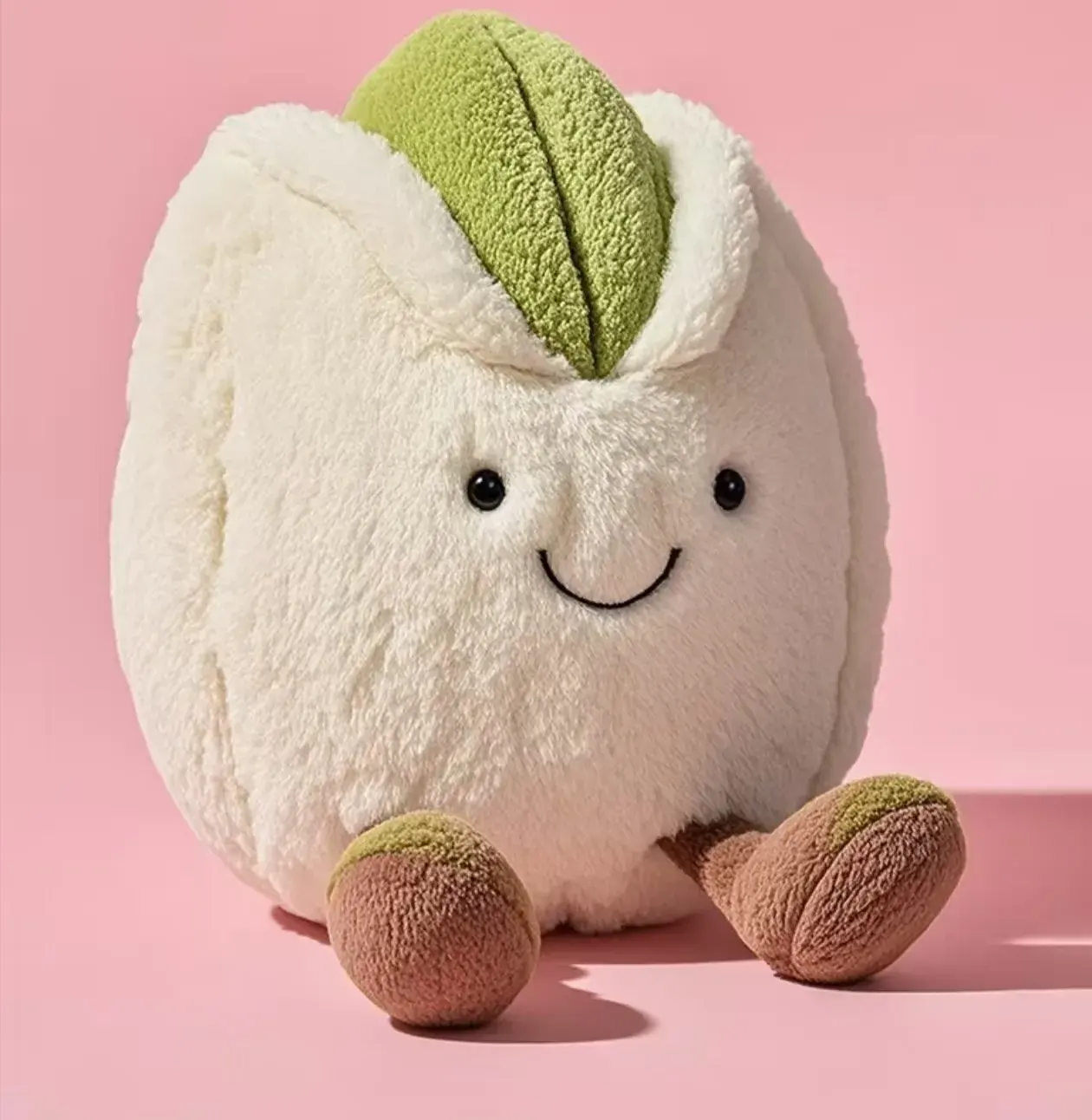
Generate Jellycat-style AI plush images in minutes
Generate Jellycat-style AI plush images in minutes
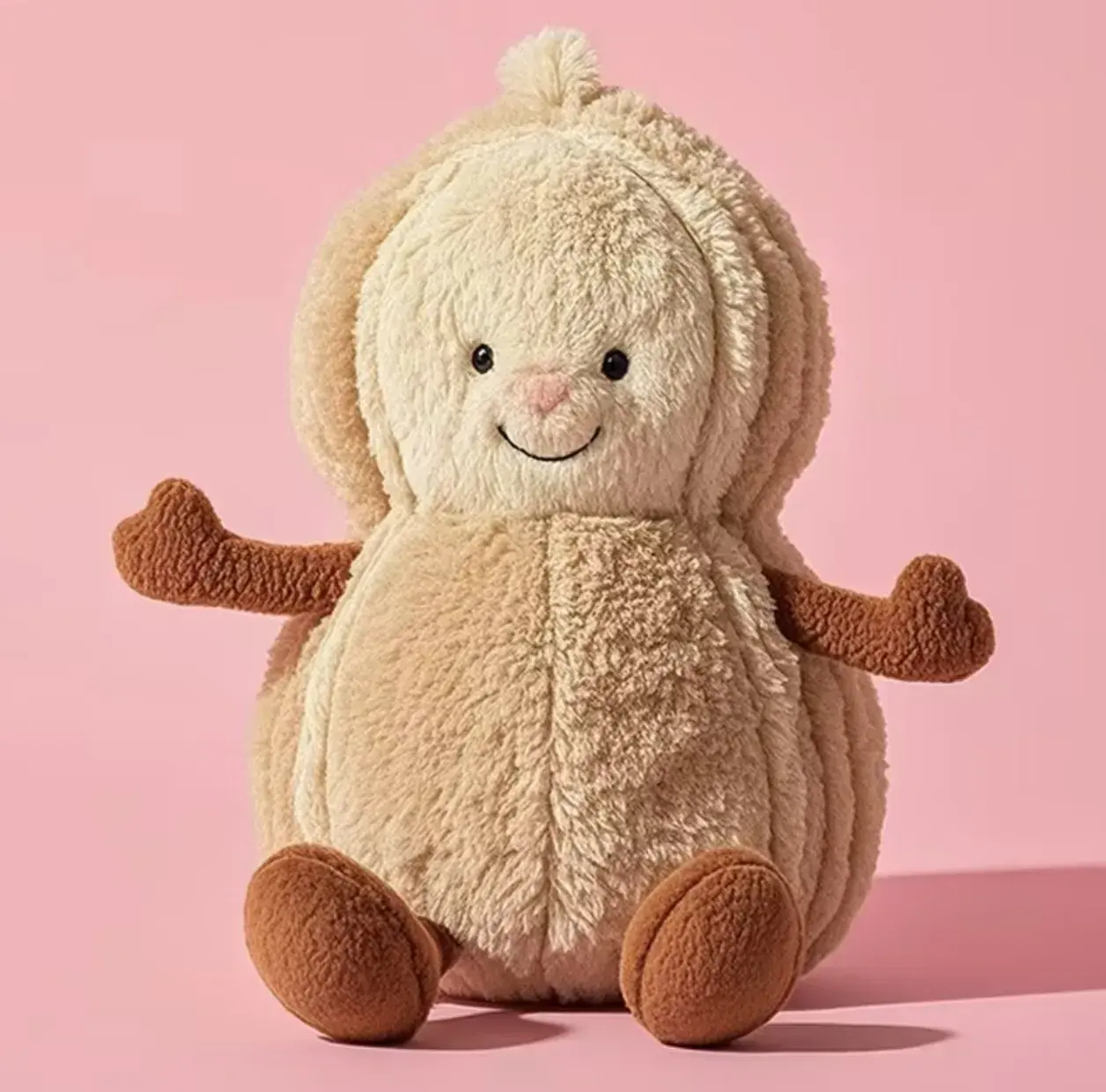
If your intent is direct creation, start here. Bring a prompt, a reference, or a rough mood and turn it into a polished plush-style character quickly. Then continue to custom creation for deeper identity, naming, and gift-ready variants. JellyMate is independent and not an official Jellycat tool.
Explore Recommended TemplatesExample AI plush toy prompts
Prompt directions that usually work well
Animal plush prompts
Bunnies, bears, foxes, whales, kittens, and lambs tend to produce the clearest plush-style results.
Bedtime and nursery prompts
Soft bedtime moods, moonlight, nursery colors, and sleepy expressions often fit the aesthetic well.
Dessert and cafe prompts
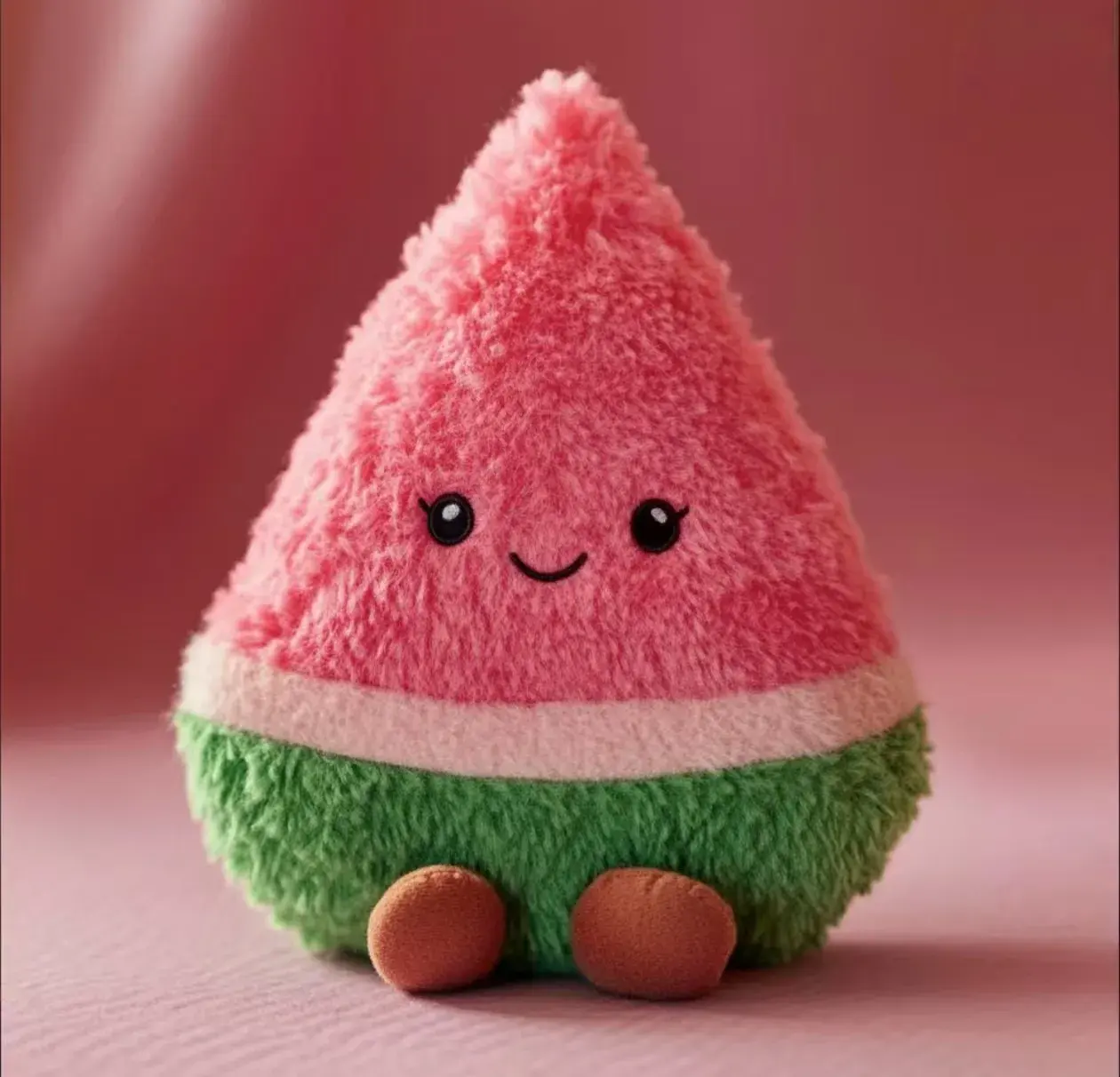
Croissants, strawberries, puddings, aprons, and cafe color palettes add a playful collectible feel.
Recommended Next Steps
Jellycat AI Generator
Return to the pillar page for the cleanest route across jellycat ai, ai jellycat, and generator intent.
Plush Image Generator
Once the user is ready to execute, the direct image generator is still the fastest conversion path.
Random Jellycat Generator
If the user still needs broader inspiration, keep the random route available as the next branch.
Create Your Own Jellycat
Move from a quick plush-style result into a more personal gift, mascot, pet, or keepsake concept.
Plushie Name Generator
Name the plush character when the visual direction works but the identity still feels generic.
Questions users usually ask
What is an AI Jellycat generator?
In JellyMate, this means an independent AI plush toy generator route for users searching Jellycat AI, AI Jellycat, or Jellycat-style generator terms. It creates plush-style character ideas, visuals, and moods from prompts or references, but it is not an official Jellycat product.
Can I start from text only, or do I need a photo?
You can start from text only, and that is often the fastest way to test a new plush concept. A photo or sketch helps when you want stronger identity consistency.
Can I use a pet photo, sketch, or reference image too?
Yes. Pet photos, sketches, mascots, and toy references often help when you want the plush character to stay closer to one specific look.
Is this an official Jellycat tool?
No. JellyMate is an independent AI plush toy generator for soft toy concepts and images. It is not affiliated with or endorsed by the Jellycat brand.