Personal plush characters from one clear idea
Start with a pet photo, nickname, inside joke, favorite color, or gift occasion so the output feels made for one person instead of generic.
Use this page when you search create your own Jellycat, make your own Jellycat, customize Jellycat with photo, personalized Jellycat generator, or custom Jellycat AI. Start with a pet photo, gift idea, nickname, brand mascot cue, or short prompt and turn it into a personal plush-style character. JellyMate is an independent creative tool, not an official Jellycat service.
Start with a pet photo, nickname, inside joke, favorite color, or gift occasion so the output feels made for one person instead of generic.
This page is for users who already want to make a plush-style character now, not browse a broad AI image explainer or random idea list.
Use it for pet keepsakes, birthday gifts, nursery characters, creator mascots, and soft toy concepts that need a memorable identity.
Write a clear Jellycat style plush prompt and JellyMate will generate a live image result.
Best prompts mention the subject, plush texture, emotional tone, and intended scene.
Use square for toy cards and vertical for hero or social concepts.
Optional. Add a public image URL or upload a reference image to preserve a subject identity.
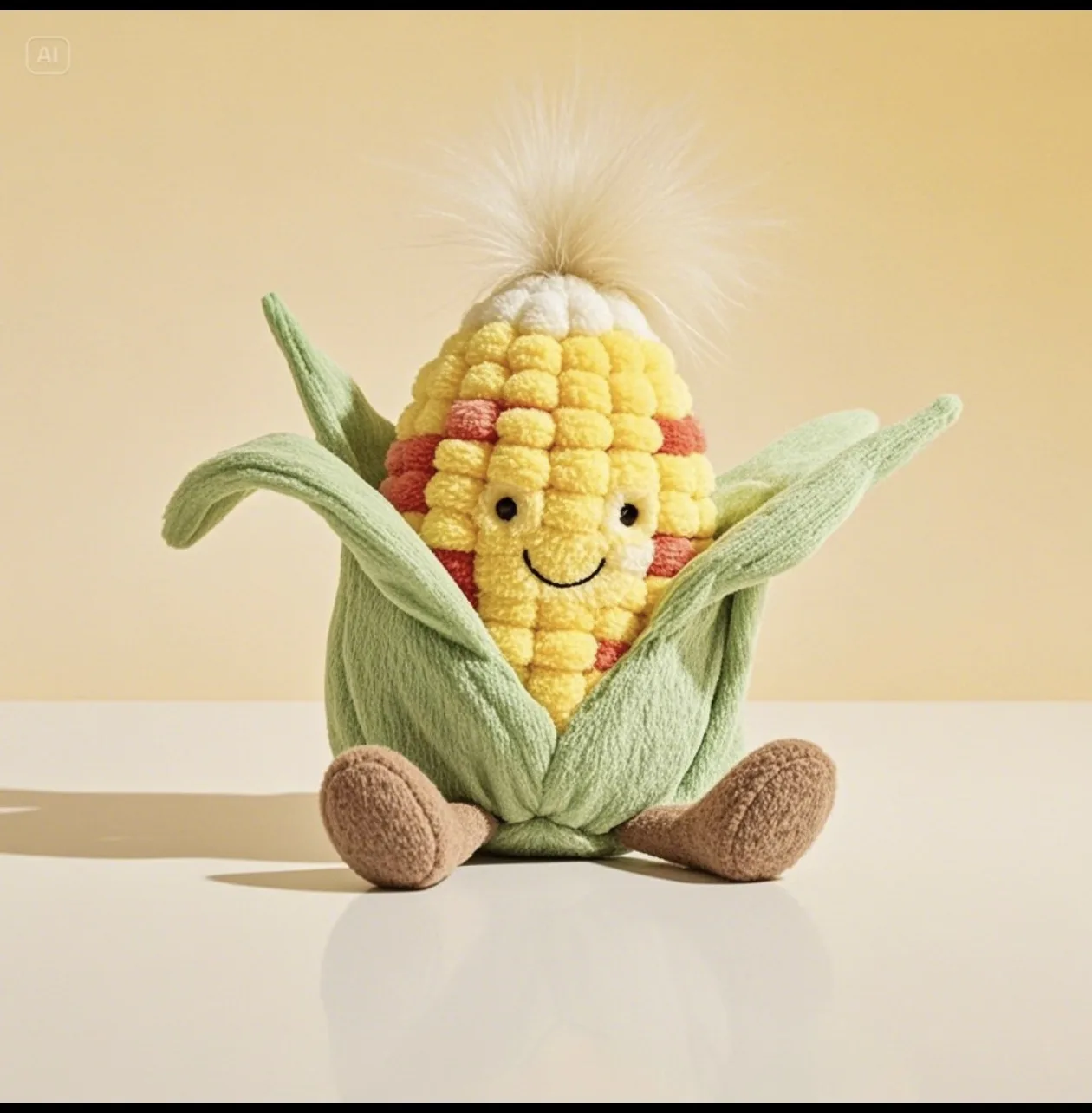
Example Preview
The preview starts with an example image and switches to your generated result.
Your latest image generations will appear here on this device.
Choose a pet photo, nickname, memory cue, favorite color, mascot brief, or gift occasion before you think about plush texture or styling details.
Translate the idea into details like ribbon color, stitched initials, soft toy fabric, rounded shape, sleepy expression, or nursery-style lighting.
Generate a few focused variants and keep the version that feels most recognizable, giftable, and emotionally specific.
Use the random route first if you still need a surprising animal, object, or theme before making your own plush character.
Give the custom plush a softer, more memorable name before turning it into a final image.
Use the direct generator when you already have a prompt or reference and want to create immediately.
You can start quickly inside JellyMate and test custom Jellycat AI directions fast. The goal is to move from idea, photo, or gift brief to a usable plush-style result with minimal setup.
Prepare one strong anchor: a pet photo, nickname, gift occasion, brand cue, favorite color, or short character idea. One clear anchor usually creates a stronger custom plush than a long generic prompt.
No. This page helps users create plush-style characters and custom soft-toy ideas with JellyMate. It is not an official brand tool.
Yes. Pet photos, nicknames, memory cues, and gift occasions are some of the strongest anchors for getting a more personal plush character.
Yes. A clear pet photo, mascot reference, or personal image can be used as the starting anchor, then refined with plush texture, rounded shape, and gift-ready details.
Start here if you already know the pet, person, gift, or character direction. Use the random Jellycat generator first if you still need surprise ideas before choosing a custom direction.
That depends on how you use the final output and what references you provide. For original concepts, mascot exploration, and internal creative work, this page is a strong starting point.