Readers comparing two different plush aesthetics
This page should make the difference between restrained jellycat-like output and broader plush styling immediately obvious.
Comparison page to clarify style language and reduce prompt ambiguity in production workflows.
This page should make the difference between restrained jellycat-like output and broader plush styling immediately obvious.
It works well for founders deciding whether they want premium collectible warmth or a louder mascot-style result.
The article is most useful when it gives users contrasting prompt patterns they can test right away in the generator.
Write a clear Jellycat style plush prompt and JellyMate will generate a live image result.
Best prompts mention the subject, plush texture, emotional tone, and intended scene.
Use square for toy cards and vertical for hero or social concepts.
Optional. Add a public image URL or upload a reference image to preserve a subject identity.
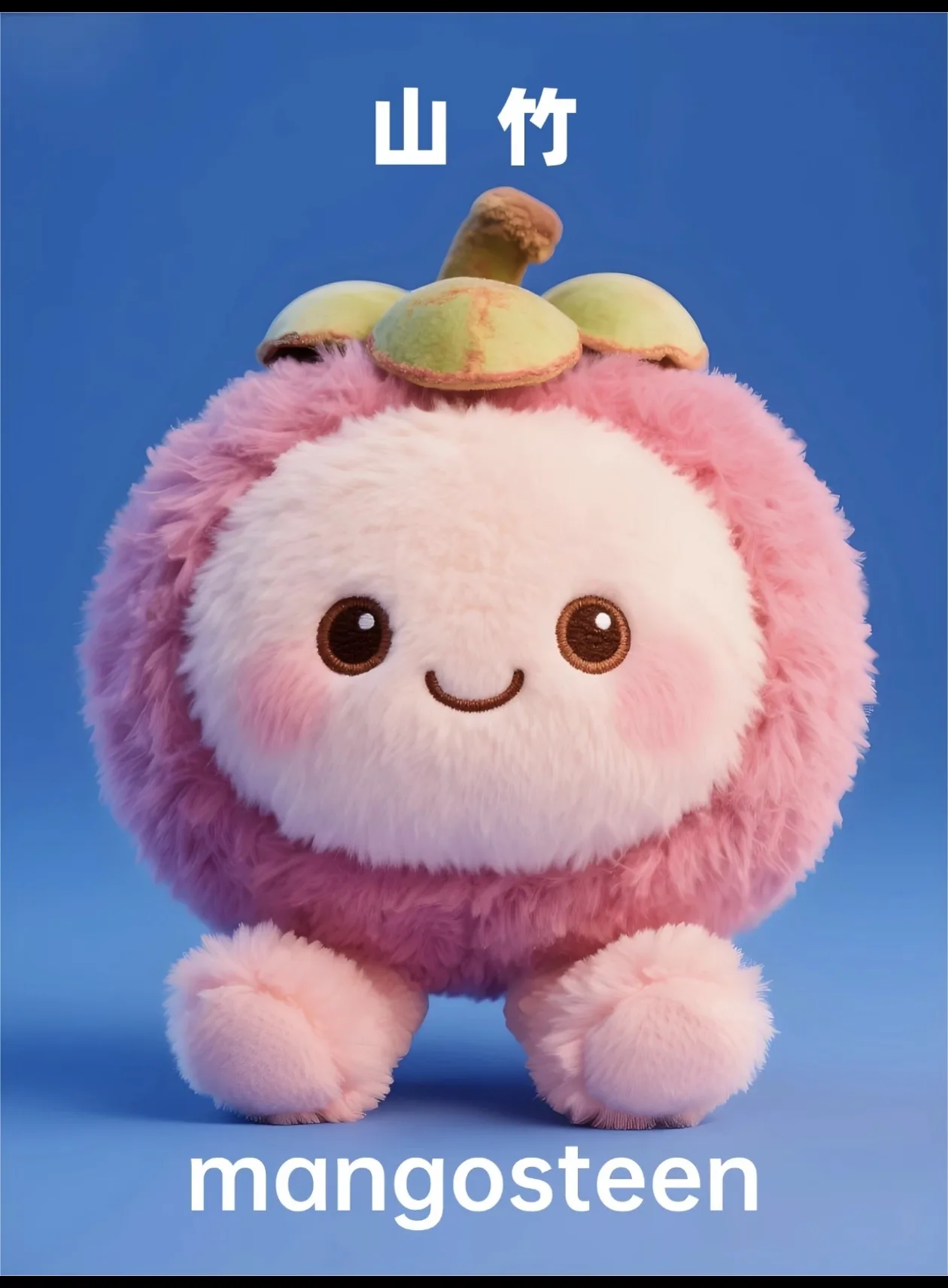
Example Preview
The preview starts with an example image and switches to your generated result.
Your latest image generations will appear here on this device.
Say what the subject is, what emotion it should carry, and where it will be used before you mention plush texture or softness.
Lock in details like ear shape, scarf color, sleepy eyes, or stitched initials so outputs feel reusable instead of generic.
Keep the scene stable while changing outfit, angle, or expression. That gives you a cleaner decision set for landing pages and social posts.
A good prompt names the subject, emotional tone, signature details, and output use case. That combination is more stable than style words alone.
Yes. Photo-led plush generation is one of the strongest use cases because the original face, markings, or silhouette gives the result a clear identity.
No. JellyMate can serve broader plush, stuffed animal, mascot, and keepsake intent without forcing every page into a single branded search term.
Yes. The strongest non-brand workflows are personalized plush gifts, pet keepsakes, baby keepsake plush ideas, creator mascots, and soft brand characters built from one clear photo, name, memory, or brand cue.