Teams that already have a character system
This page is strongest when the user is not inventing from zero, but converting an existing mascot, avatar, or IP into plush form.
Built for users who already have a character identity and need plush conversion output.
This page is strongest when the user is not inventing from zero, but converting an existing mascot, avatar, or IP into plush form.
Use it when the same character has to work across landing pages, community posts, packaging mocks, and short motion later.
A plush conversion can help a team test warmth, friendliness, and silhouette clarity before a more expensive brand art pass.
Write a clear Jellycat style plush prompt and JellyMate will generate a live image result.
Best prompts mention the subject, plush texture, emotional tone, and intended scene.
Use square for toy cards and vertical for hero or social concepts.
Optional. Add a public image URL or upload a reference image to preserve a subject identity.
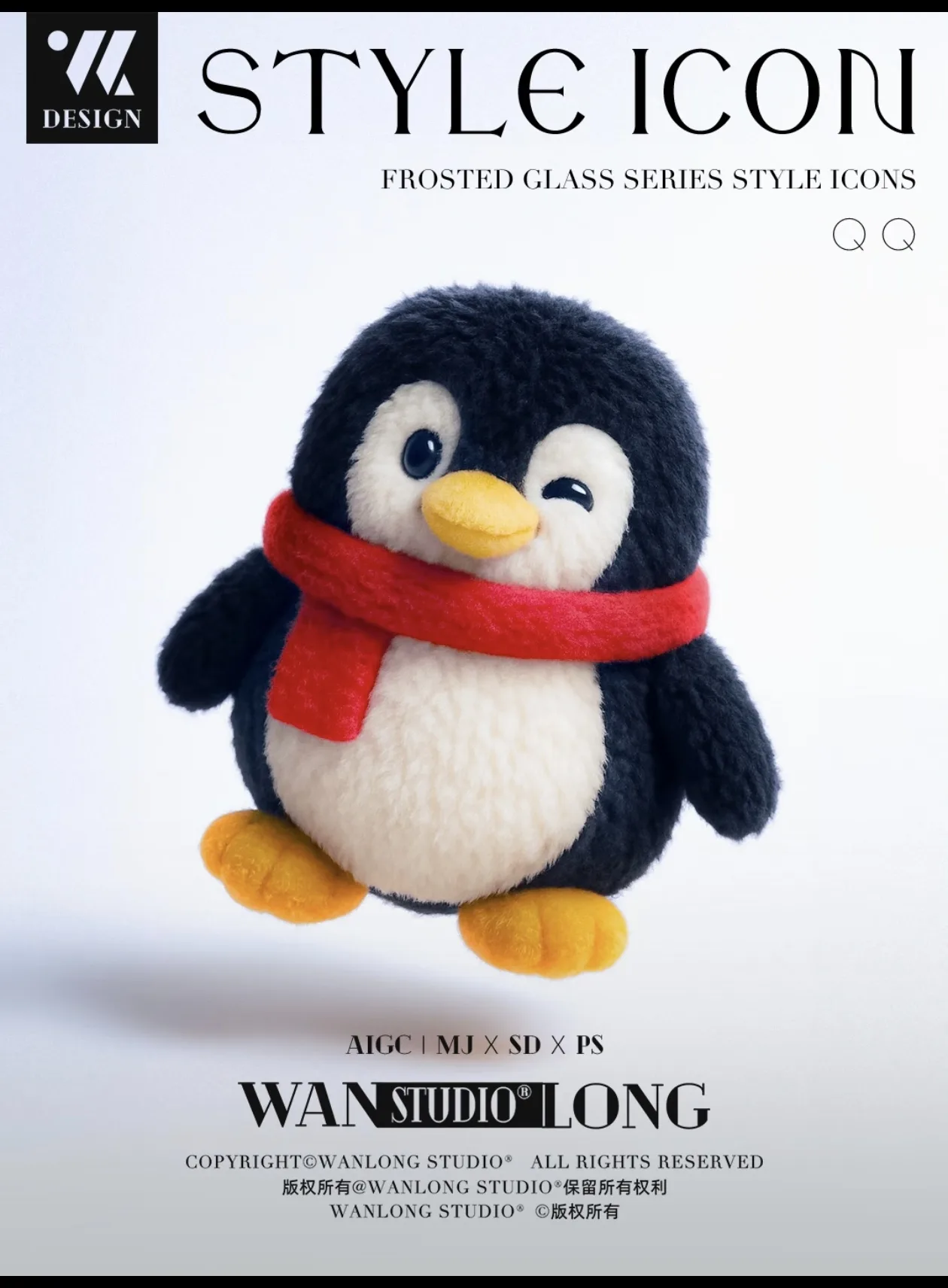
Example Preview
The preview starts with an example image and switches to your generated result.
Your latest image generations will appear here on this device.
List the parts that cannot drift, like head shape, key colors, eye spacing, logo mark, or accessory hierarchy.
Decide which surfaces become fleece, which edges become stitching, and which details need simplification for toy readability.
Approve the core plush version first, then explore poses, campaign scenes, or animation-ready follow-ups from that base.
Because it softens abstraction. Products that feel technical or distant often convert better when the brand has a memorable, friendly identity.
Control the palette, accessory choices, lighting, and overall restraint. Plush does not have to mean toy-store childish if the brief stays disciplined.
Yes. Plush mascot pages are a natural lead-in to image-to-video and looping product hero motion.