Profile and avatar refreshes
Use this route when the output needs to read quickly at small sizes across social profiles, communities, or product accounts.
This scenario page is built for users who want to convert selfies into plush toy characters.
Use this route when the output needs to read quickly at small sizes across social profiles, communities, or product accounts.
This page works best for people who want themselves recognizable, but softened into a friendlier plush character.
It is strong when one selfie needs to become a reusable visual identity rather than a one-off cute image.
Write a clear Jellycat style plush prompt and JellyMate will generate a live image result.
Best prompts mention the subject, plush texture, emotional tone, and intended scene.
Use square for toy cards and vertical for hero or social concepts.
Optional. Add a public image URL or upload a reference image to preserve a subject identity.
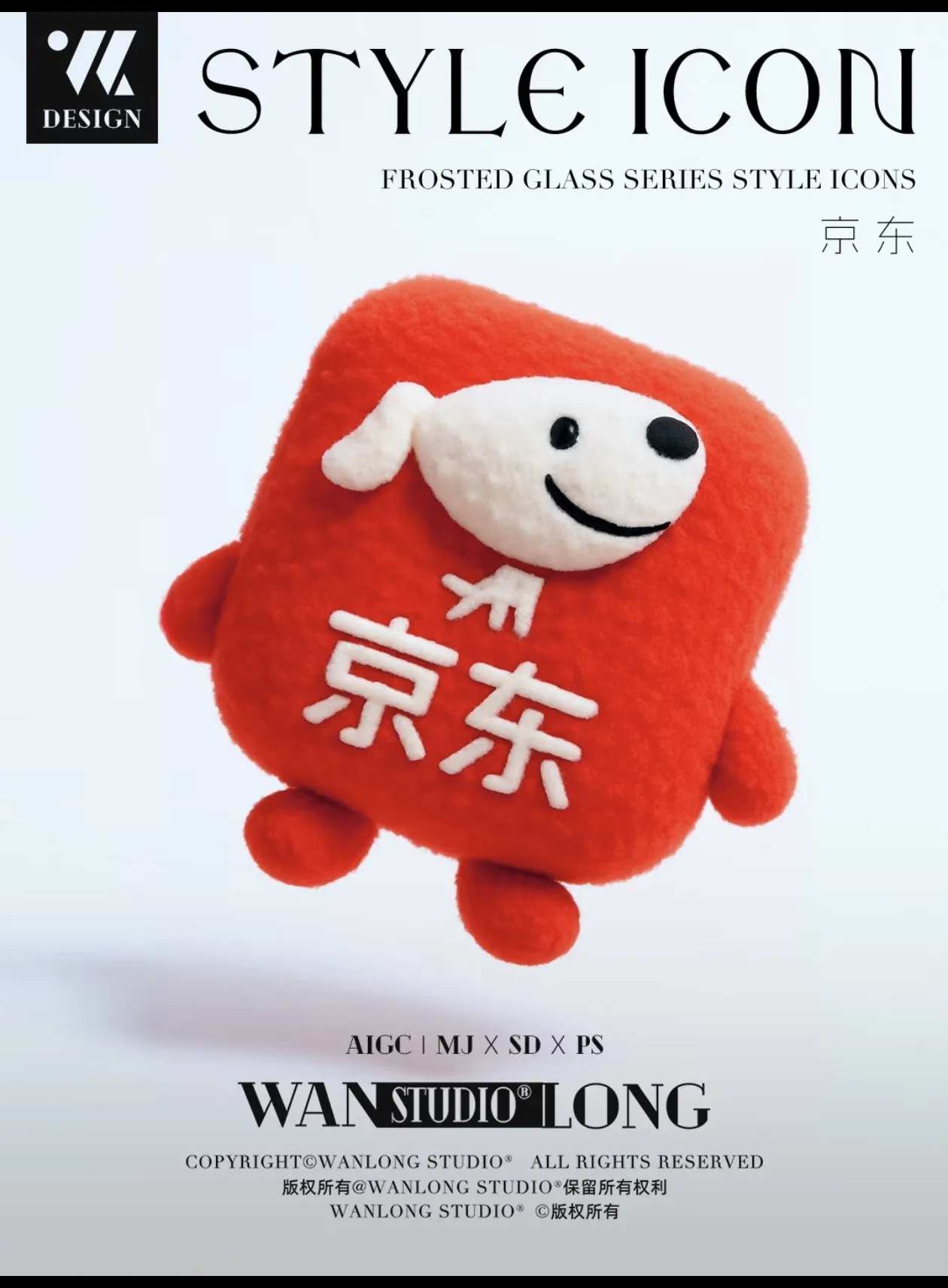
Example Preview
The preview starts with an example image and switches to your generated result.
Your latest image generations will appear here on this device.
Choose a selfie with clear eyes, simple background, and a readable hairstyle before you stylize anything else.
Glasses, bangs, hoodie color, earrings, or a creator prop usually help the plush character stay recognizable.
A centered composition with a simple background makes the result easier to reuse as an avatar, thumbnail, or bio image.
A good prompt names the subject, emotional tone, signature details, and output use case. That combination is more stable than style words alone.
Yes. Photo-led plush generation is one of the strongest use cases because the original face, markings, or silhouette gives the result a clear identity.
No. JellyMate can serve broader plush, stuffed animal, mascot, and keepsake intent without forcing every page into a single branded search term.
Yes. The strongest non-brand workflows are personalized plush gifts, pet keepsakes, baby keepsake plush ideas, creator mascots, and soft brand characters built from one clear photo, name, memory, or brand cue.